# List running VMs
qm list

# Stop a specific VM gracefully (ACPI shutdown)
qm shutdown <vmid>

# List running containers
pct list

# Stop a specific container
pct shutdown <ctid>

# Force stop a VM
qm stop <vmid>

# Shut down the node after all VMs are off
shutdown -h now
# or
poweroff46.3 GB
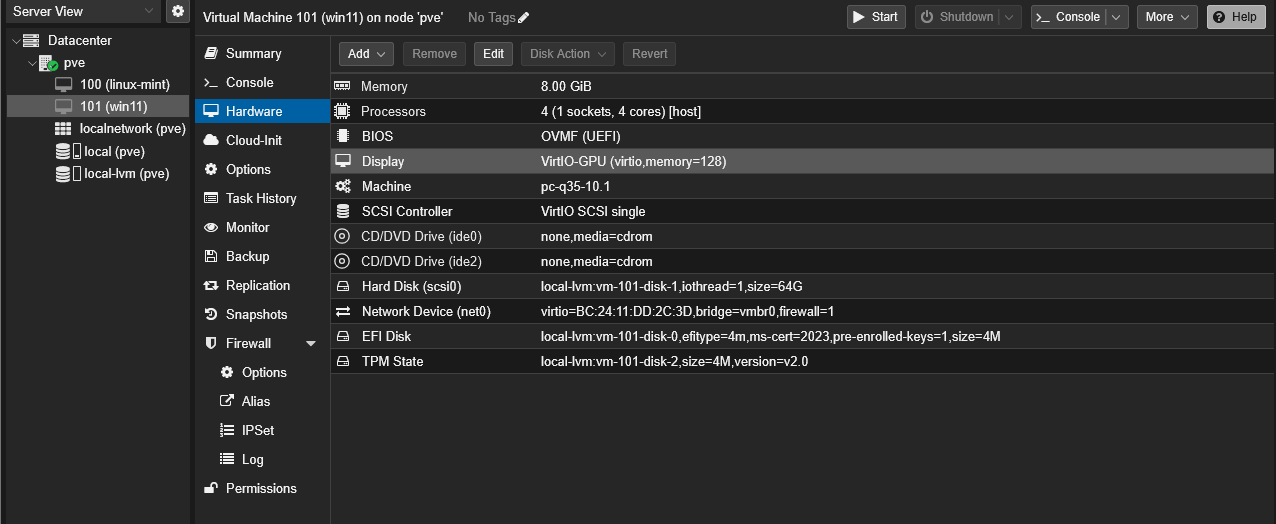
After installing virtio-win, shutdown and verify Proxmox’s Hardware > Display is set to VirtIO-GPU.
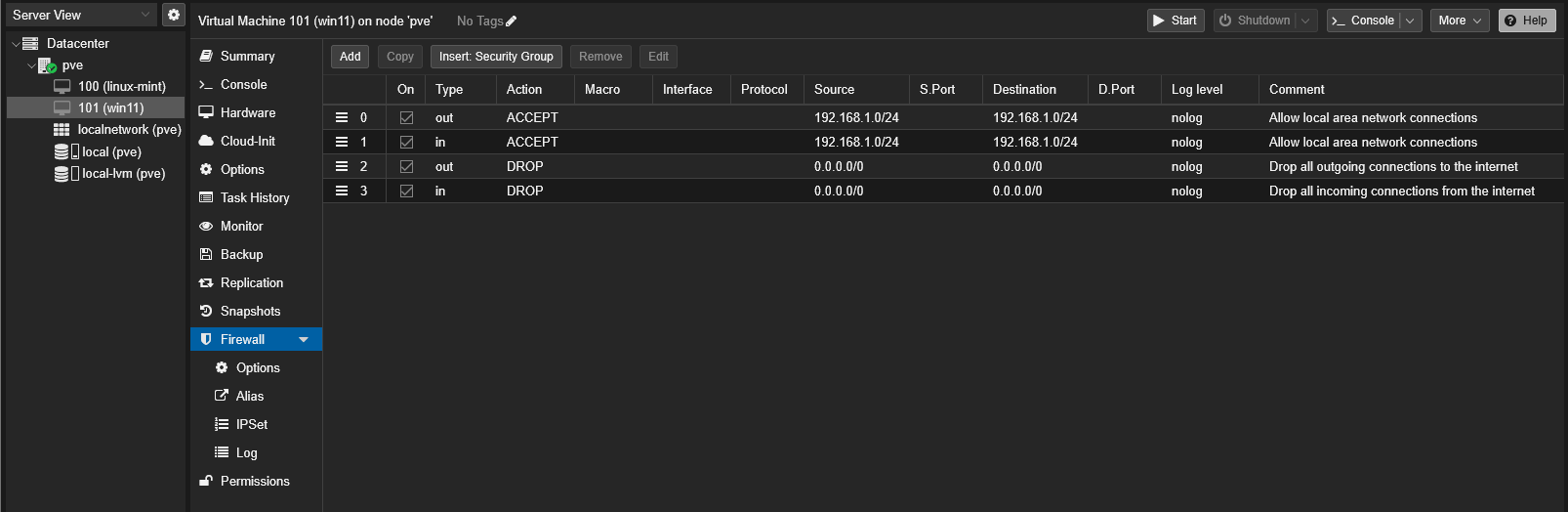
This is useful if you want to allow connections to and from the VM on the whole network, not just the other VMs on the host machine.
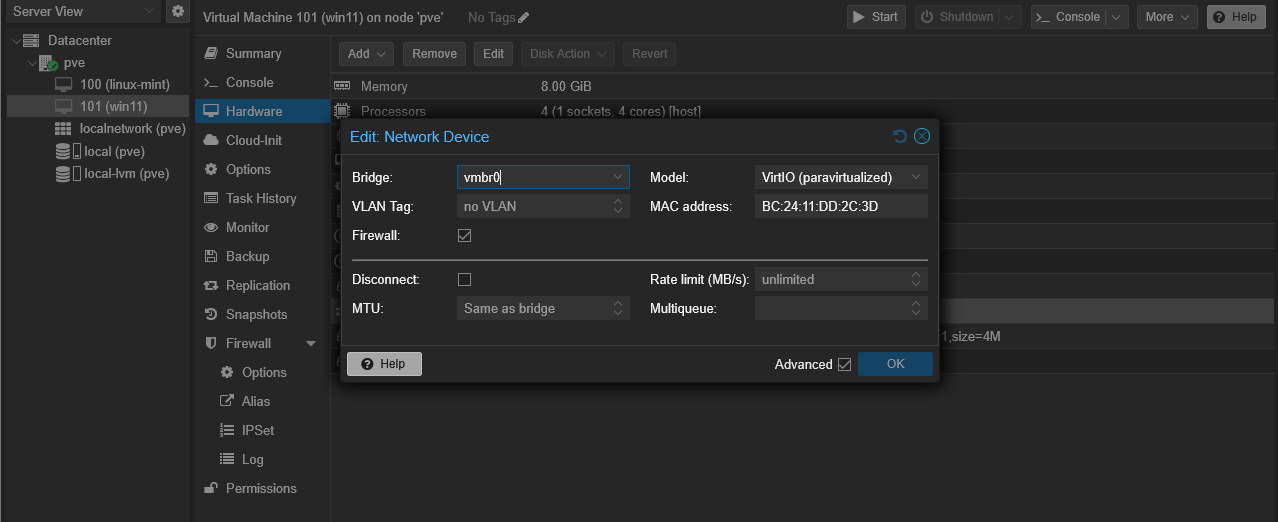
Verify “Firewall” is set to “Yes”.
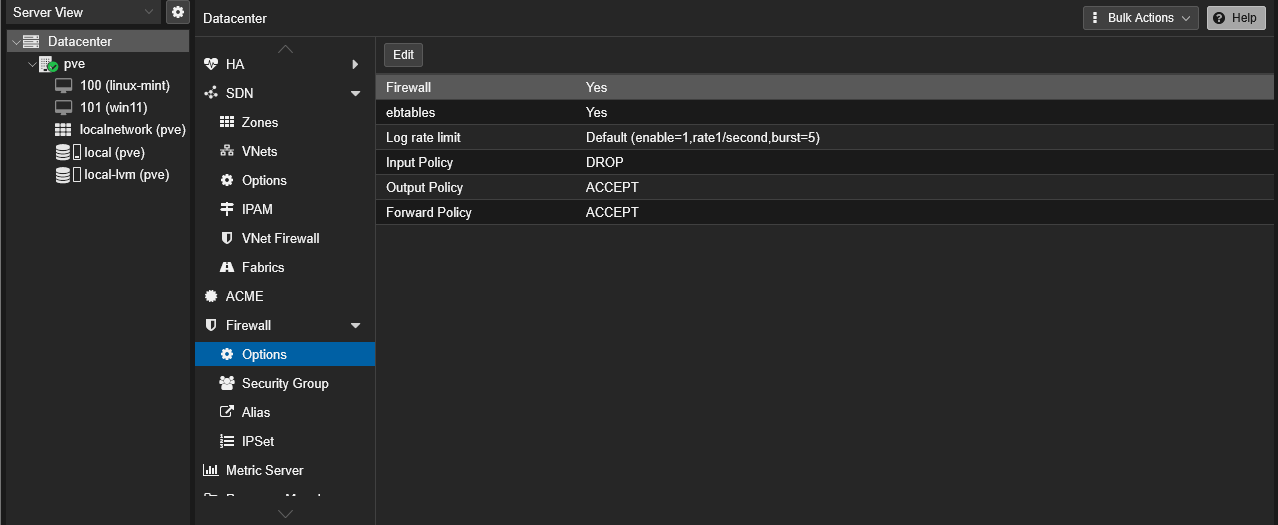
Verify “Firewall” is set to “Yes”.
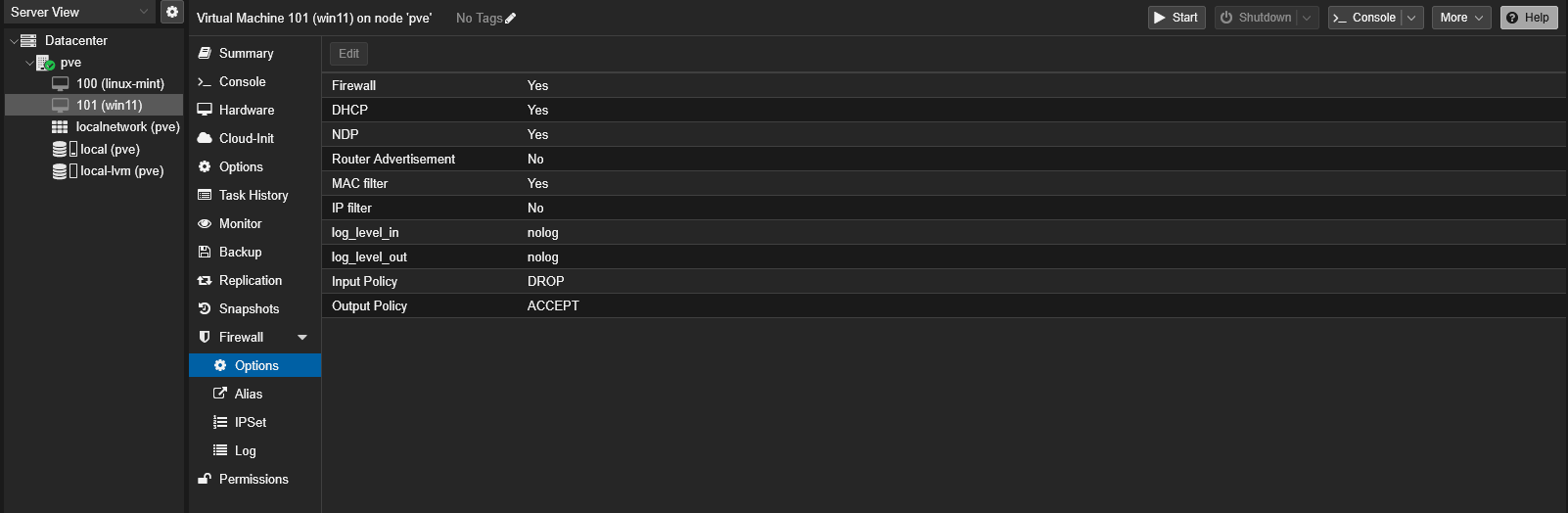
Verify “Firewall” is checked.
Order typically matters.